Note
Access to this page requires authorization. You can try signing in or changing directories.
Access to this page requires authorization. You can try changing directories.
A transit hub creates a virtual hub within a community Virtual WAN that acts as a secure connectivity path between the community and an external private network. You can associate a transit hub with a PrivateNetwork destination rule in a community endpoint so enclaves can connect to trusted private networks outside of the community boundary.
Prerequisites
To access Azure Enclave, you need an Azure subscription. If you don't already have a subscription, create a free account before you begin.
All access to Azure Enclave takes place through a community or an enclave. For this how-to article, create a community and enclave.
Sign in to Azure
Sign in to the Azure portal.
Create a transit hub
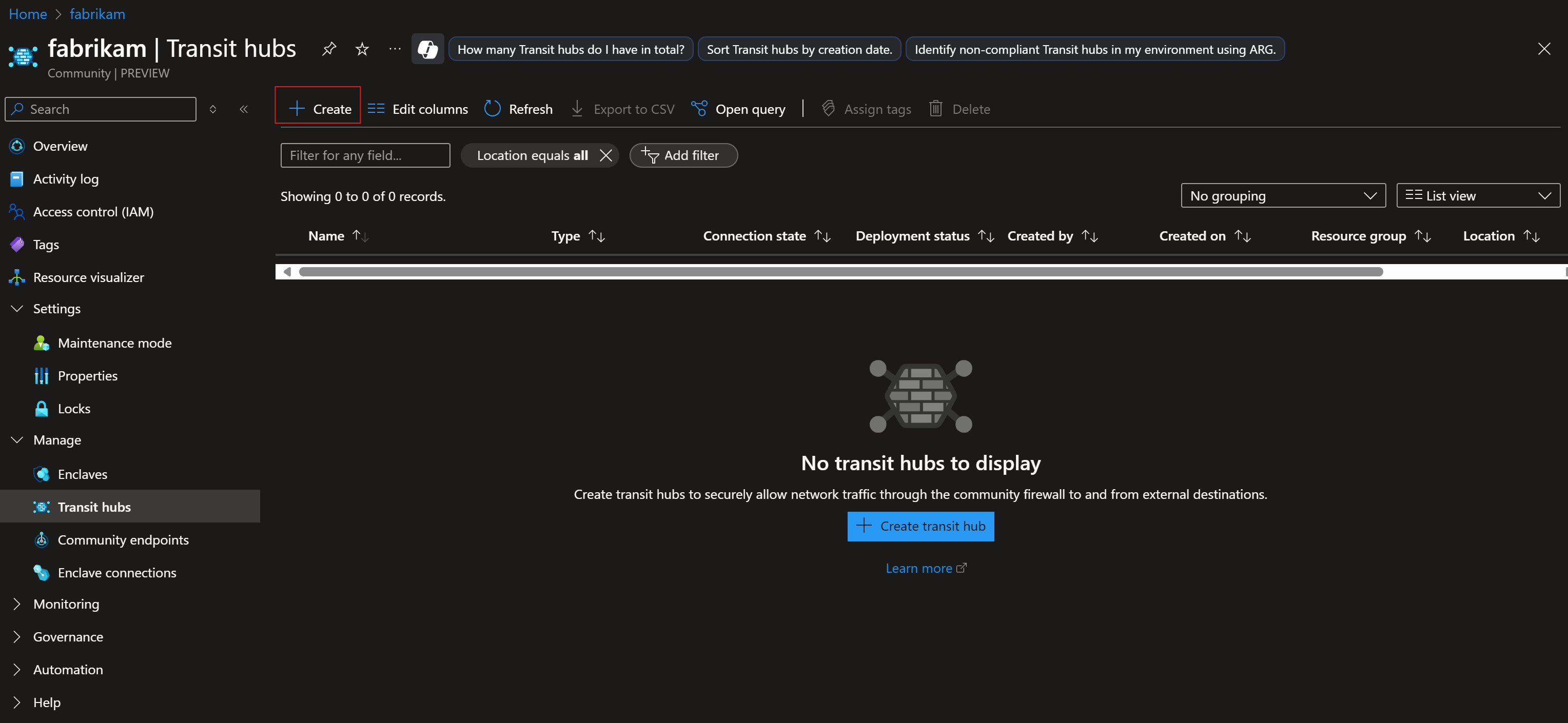
- Go to an existing community in your Azure subscription. Select the Transit hubs tab, and then select Create.
- Enter a transit hub name and select the connection type.
Refer to this guidance for more information on the different types of transit hub connections:
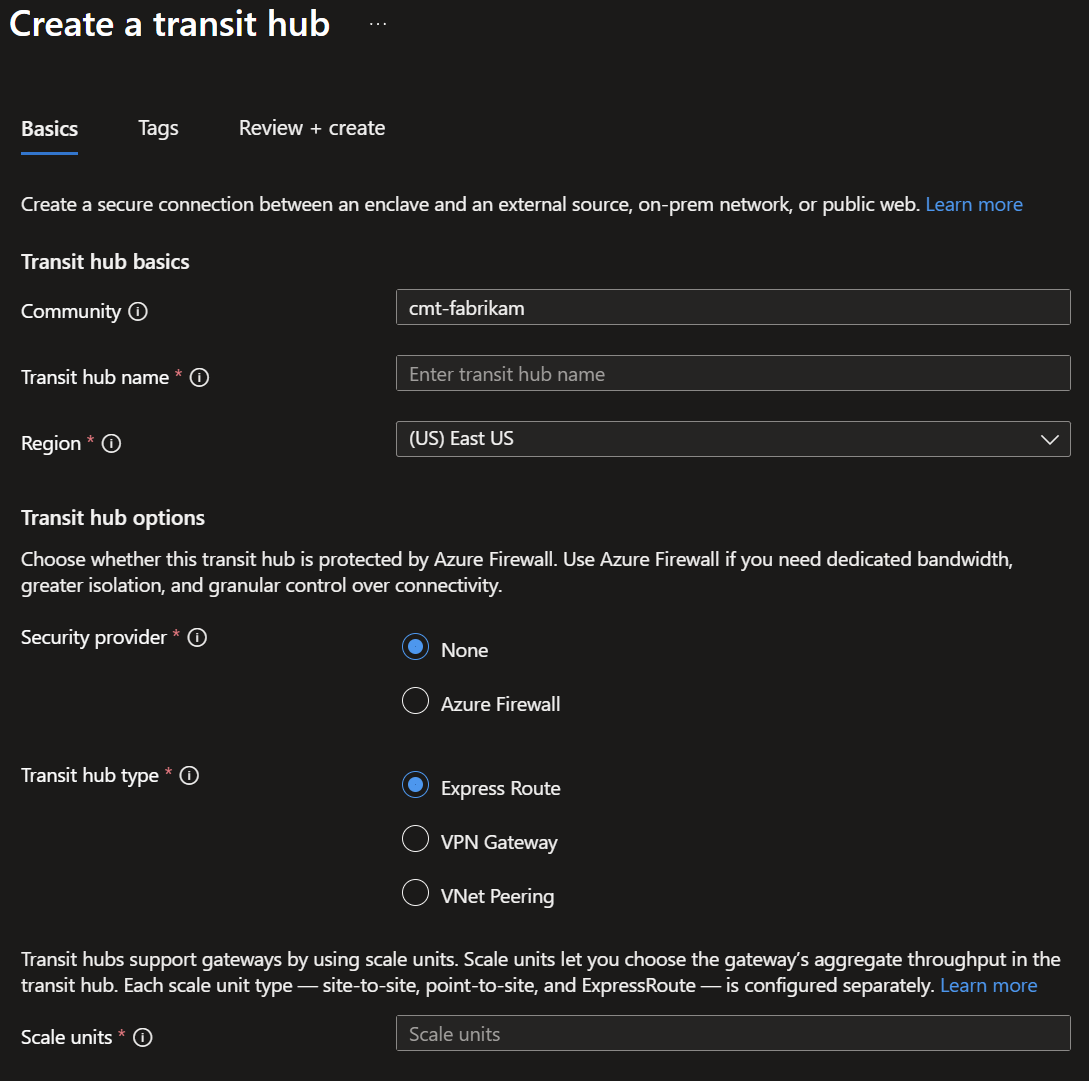
Select Next, add any tags, and then select Review + Create.
Review the settings, and then select Create.